
Business account
Your Cardiful card on Android.
Add your Cardiful debit card to Google Wallet and pay contactless in shops or with one tap online. Spending appears in your Cardiful app straight away.
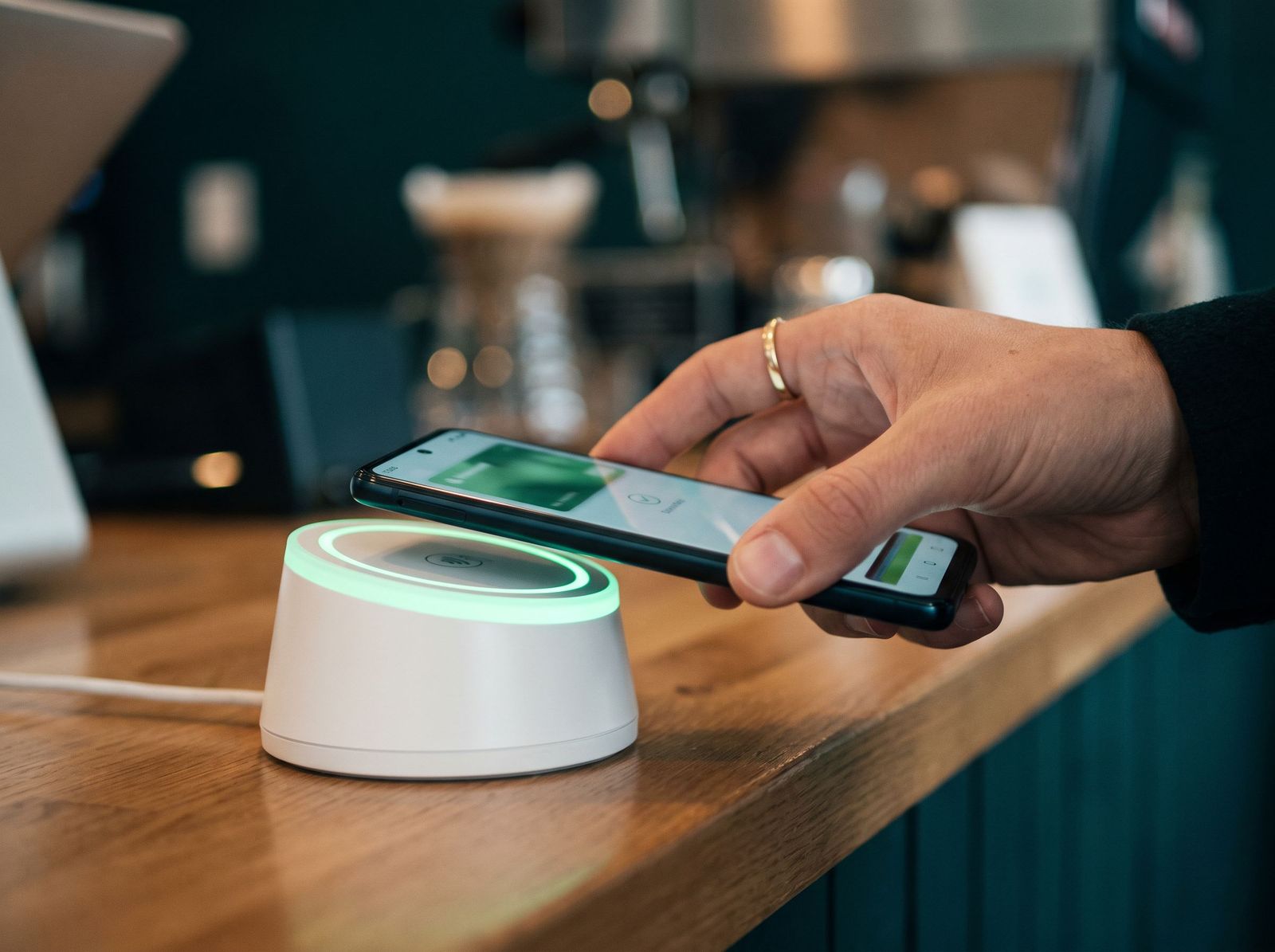
Google PayPay with your Cardiful card on Android
What you get.
What you get on Android.
Set up from the app
Add your card to Google Wallet in a couple of taps from the Cardiful app.
Protected by your phone
Every payment needs your screen lock and uses a device number, not your card number.
Spending you can see
Each tap shows up in the Cardiful app straight away, with the shop and amount.
Works for your customers too
Take Google Pay from your own customers through the Cardiful checkout.
How it works.
- 1
Open the Cardiful app
- 2
Add the card to Google Wallet
- 3
Tap your phone at checkout

You are up and running


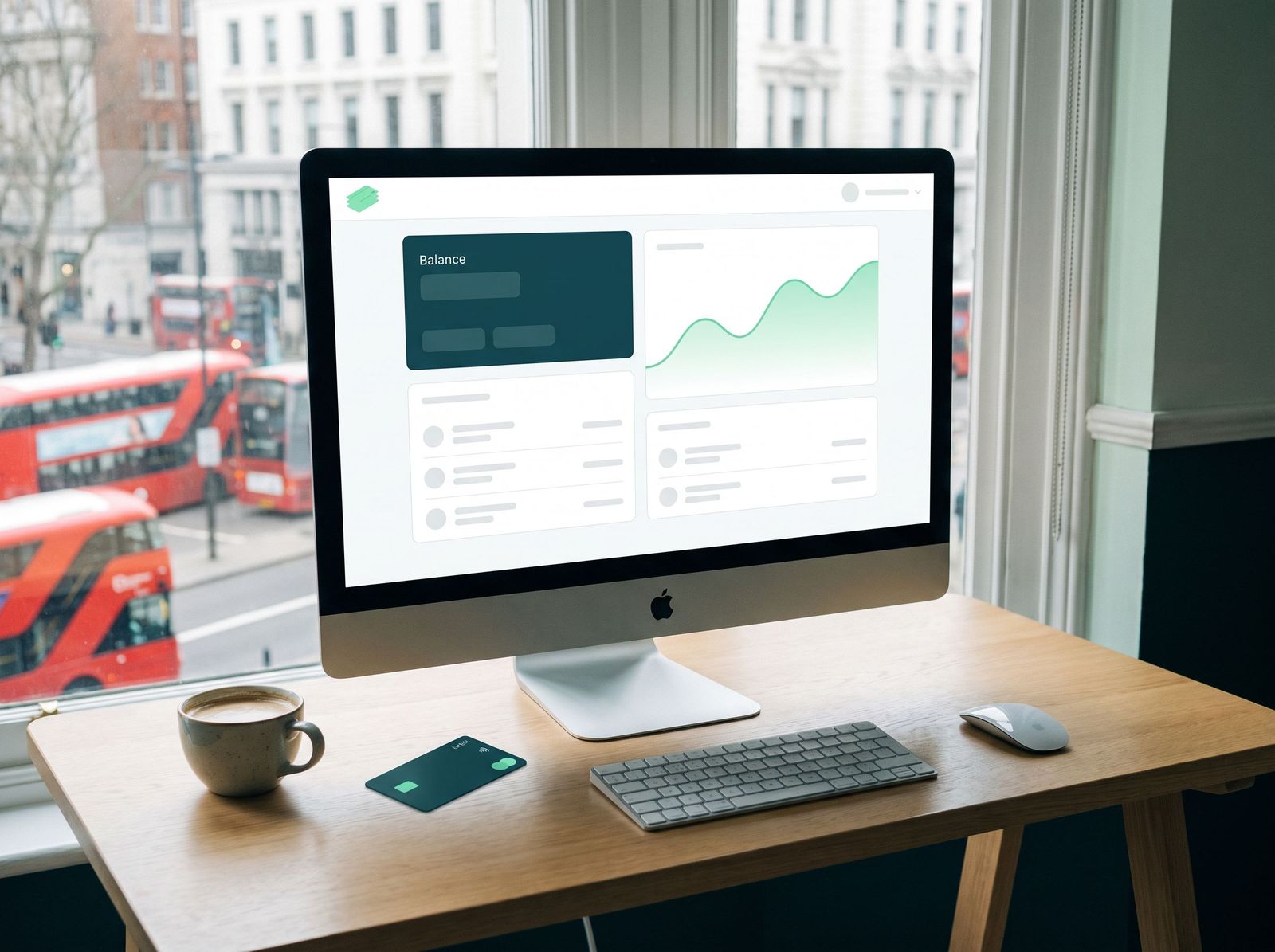

Get a card for Google Pay.
The application takes a few minutes and starts with Google Pay already selected.